Owner calendar
Review dates, times, services, client information, job notes, and existing assignments before saving a change.
 ChroifyLog inGet access
Chroify helps HVAC owners assign routine appointments to themselves or team members and gives invited technicians a focused, mobile-friendly view of assigned work.
Technician scheduling software connects each service appointment to the person responsible for the work. It helps an owner see the team schedule, avoid assigning obvious conflicts, and give invited workers access to only the jobs relevant to their business membership.
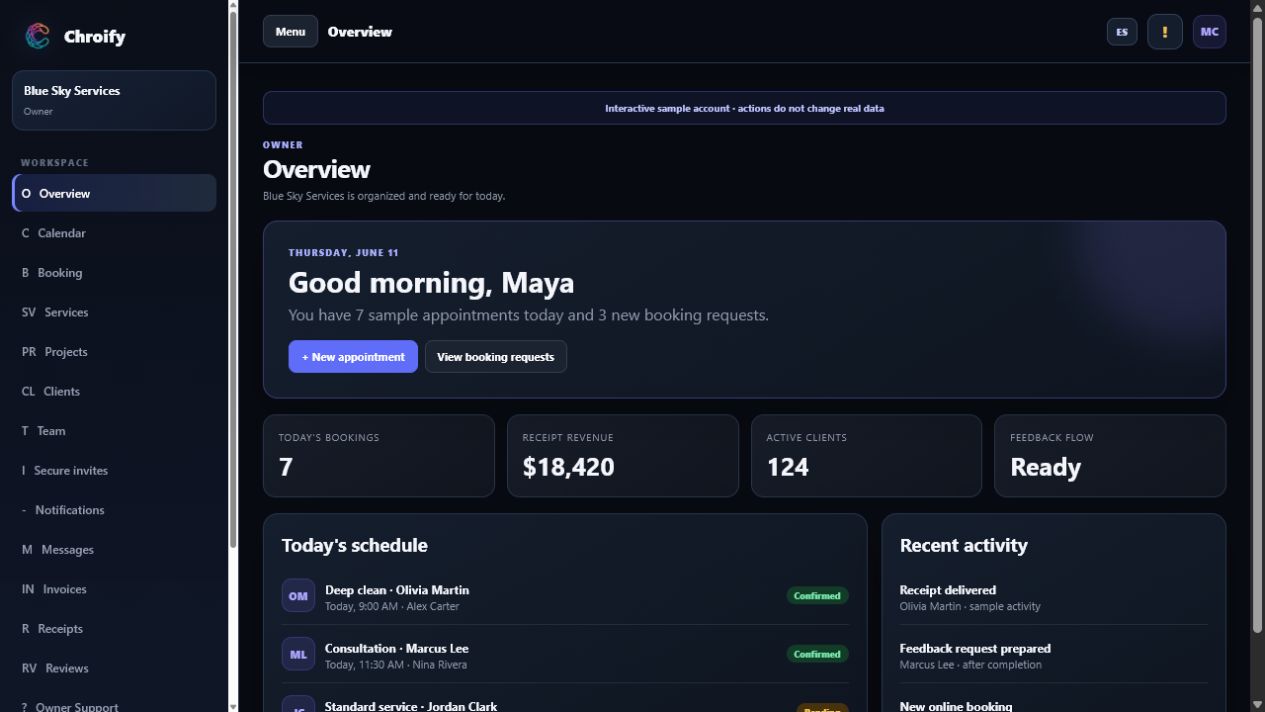
Review dates, times, services, client information, job notes, and existing assignments before saving a change.
Add workers for internal assignment without forcing every team member to create a dashboard account.
Use a secure invitation when a technician needs their own dashboard, assigned schedule, and profile controls.
The technician can review assigned appointments and the details the business has chosen to share.
Client contact details, address, service title, time, and appointment notes stay connected to the assignment.
Supported status changes keep the owner workspace and appointment record aligned without rebuilding the job.
Worker accounts are linked through membership and business records. The interface can hide controls, but database policies and server checks remain responsible for preventing workers from reading another company's schedule.
HVAC technician scheduling software helps owners assign routine service appointments and gives invited technicians access to their assigned work.
Yes. Chroify makes the owner available for assignment and can use the owner as the fallback worker when no other worker is assigned.
Invited workers can use a mobile-friendly dashboard to review assigned jobs and update supported appointment statuses.
No. Owners can keep a worker as an internal scheduling record unless that person requires dashboard access.
No. Chroify organizes appointments and assignments but does not currently provide route optimization.
Connect routine jobs, technicians, clients, and appointment status in one Chroify workspace.